
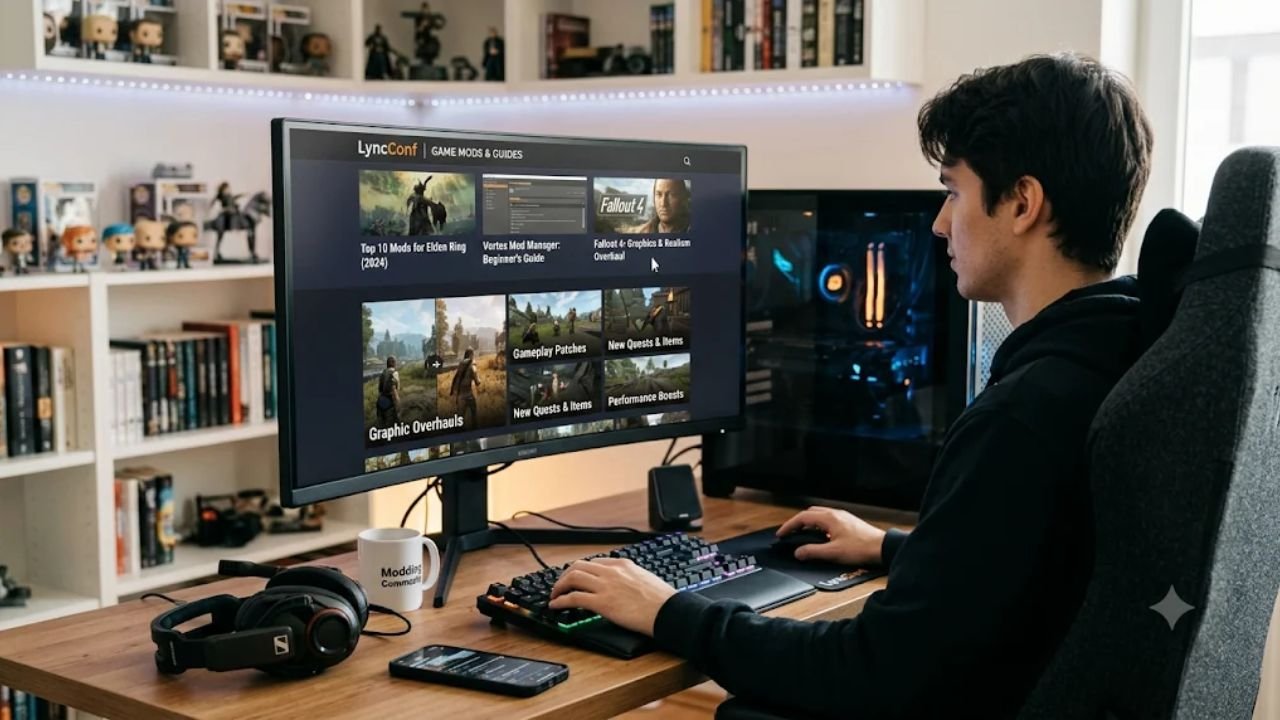
Gaming has become more customizable than ever. Many players enjoy changing the appearance, gameplay, characters, and environments of their favourite video games. This is where game modifications, commonly called mods, become useful. Game Mods Lync Conf is a search term associated with LyncConf’s gaming modification content, guides, and recommendations.
For gamers who want to explore new gaming experiences, understanding what LyncConf offers and how game mods work can be helpful. This guide explains its purpose, different types of modifications, installation basics, benefits, and important safety precautions.
What Is Game Mods Lync Conf?
Game Mods Lync Conf generally refers to gaming modification-related content available on LyncConf.com. LyncConf is an online gaming information website that publishes articles about video games, gaming guides, recommendations, and modifications.
Its dedicated Game Mods category helps readers explore different gaming modification topics. The content covers popular games and explains how modifications can change or improve certain parts of the gaming experience.
It is important to understand that LyncConf is primarily an informational website, not a standalone video game or universal mod installation application. A modification mentioned in an article may be created and distributed by an independent developer or gaming community.
Players should always check the original creator’s page and download requirements before installing any modification.
How Does LyncConf Help Gamers Discover Mods?
Finding useful game modifications can sometimes be difficult, especially for beginners. Different games have different requirements, installation methods, and compatibility rules.
LyncConf provides gaming-related articles that can help readers discover modification ideas and understand available customization options.
Some of the ways its content can help include:
- Discovering new modifications: Readers can explore articles about modifications for different games.
- Learning about customization: Gaming guides introduce features that may change graphics, gameplay, or characters.
- Exploring popular titles: Players can find modification-related content covering well-known games.
- Understanding gaming options: Articles can help readers identify different ways to personalize their gaming experience.
- Finding installation guidance: Relevant tutorials may explain the general process of using game modifications.
However, readers should remember that an article is not a guarantee that every recommended modification will work with their particular game version.
Different Types of Video Game Mods
Game modifications come in different forms. Some focus on visual improvements, while others introduce entirely new gameplay experiences.
Here are some common types of PC game mods.
1. Graphics and Visual Mods
Graphics mods improve the visual appearance of video games. They may introduce better textures, lighting effects, shadows, colours, and environmental details.
These modifications can make older games look more modern. However, high-resolution graphics mods may require additional system resources.
2. Gameplay Mods
Gameplay modifications change how a game works. They may adjust difficulty, character abilities, movement speed, combat mechanics, or other gameplay features.
These mods are useful for players who want a different challenge or prefer a customized playing style.
3. Character and Skin Mods
Character mods allow players to change the appearance of characters, outfits, accessories, and other visual elements.
They are particularly popular in games that support extensive character customization.
4. Map and Environment Mods
Map modifications introduce new locations, buildings, landscapes, or environmental changes. They can make familiar games feel different by adding new places to explore.
5. Quality-of-Life Mods
Quality-of-life modifications improve convenience without necessarily changing the main gameplay.
Examples include improved menus, better inventory management, interface adjustments, and useful navigation features.
Popular Games That Support Mods
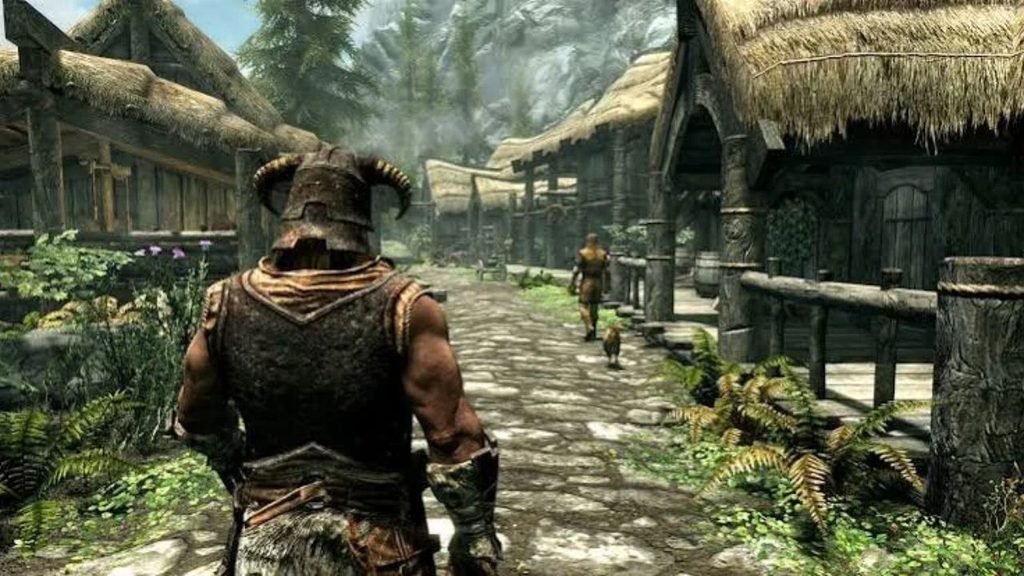
Several popular PC games have active modding communities. Their communities create modifications that add new content, improve graphics, and introduce gameplay changes.
Some examples include:
| Game | Common Modifications |
| The Elder Scrolls V: Skyrim | Graphics, quests, characters, weapons |
| Minecraft | New blocks, textures, gameplay features |
| Grand Theft Auto V | Vehicles, graphics, maps, gameplay |
| The Sims 4 | Custom content, clothing, furniture |
| Fallout 4 | Weapons, environments, visual improvements |
| Subnautica | Interface, gameplay and customization |
Mod availability depends on the game, platform, version, and developer restrictions. Not every modification works across different editions of the same game.
How to Find and Install Game Mods Safely
Installing game mods can be straightforward when players follow the correct instructions. However, downloading files from unknown websites can create security and compatibility problems.
Follow these basic steps before installing a modification.
Step 1: Choose the Right Game Mod
First, identify what you want to change in your game. Decide whether you need improved graphics, additional characters, new maps, or gameplay adjustments.
Choose a modification designed specifically for your game.
Step 2: Check Compatibility
Check the mod’s supported game version, operating system, and other requirements. Some modifications stop working after a game update.
Read the installation instructions before downloading anything.
Step 3: Use Trusted Download Sources
Prefer the original creator’s website or recognized mod distribution platforms. Depending on the game, platforms such as Nexus Mods, CurseForge, and Steam Workshop may offer relevant modifications.
Avoid suspicious advertisements, unknown executable files, and websites that request unnecessary personal information.
Step 4: Back Up Game Files
Create a backup of important saved games and configuration files before installing modifications.
This makes it easier to restore your progress if a mod causes problems.
Step 5: Follow Installation Instructions
Some games support built-in workshop subscriptions, while others require manual installation or a compatible mod manager.
Use only the installation method recommended by the mod creator.
Step 6: Test the Modification
Start the game and check whether the modification works correctly. If you experience crashes, missing textures, or other problems, disable the recently installed mod and review its requirements.
Benefits of Using Game Mods
Game modifications can provide several benefits for players who enjoy customizing their gaming experiences.
More customization: Players can adjust different game elements according to their preferences.
Improved graphics: Visual modifications can improve textures, lighting, and environmental details.
Fresh gameplay: New missions, characters, and features can make familiar games more interesting.
Longer gaming experience: Some modifications add content that encourages players to return to older games.
Community creativity: Modding allows independent creators and gaming enthusiasts to share their ideas with other players.
Although mods offer many advantages, their quality and reliability depend on the individual creator and the game being modified.
Common Risks and Challenges of Game Modding
Game modifications are not always problem-free. Before downloading them, players should understand the possible risks.
- Game crashes: Incompatible modifications can cause freezing or unexpected shutdowns.
- Security threats: Files from unknown websites may contain malware or unwanted software.
- Performance issues: High-quality graphics mods can increase CPU, GPU, and memory usage.
- Mod conflicts: Two modifications may change the same game files and create errors.
- Compatibility problems: Game updates can make previously working modifications unusable.
- Online game restrictions: Unauthorized modifications or cheats may violate multiplayer rules and lead to account suspension.
To reduce these risks, use trusted sources, read installation instructions, and check the game’s official modding policy.
Is Game Mods Lync Conf Worth Exploring?
Game Mods Lync Conf can be a useful search topic for players interested in learning about gaming modifications and discovering related guides.
LyncConf’s Game Mods section provides an entry point for exploring articles about different games and customization possibilities. Beginners can use this type of content to understand what modifications do and what they should check before installing them.
However, it is important to distinguish between mod information and actual mod downloads. LyncConf should be treated as an informational resource rather than a guarantee of safe files or a universal installation service.
For the best experience, verify each modification through its original creator or a recognized distribution platform.
Read More: HiddenEducation Com || Workation || 7 Car Insurance Checks Before Long Drives
Frequently Asked Questions (FAQs)
1. What is Game Mods Lync Conf?
Game Mods Lync Conf refers to gaming modification-related content associated with LyncConf.com, including articles, recommendations, and information about customizing video games.
2. Is LyncConf a video game?
No. LyncConf is primarily a gaming information website. It publishes gaming articles, guides, recommendations, and modification-related content.
3. Are LyncConf game mods free?
The cost depends on the individual modification and its original creator. Many community-created mods are free, but users should check the terms and conditions of each download.
4. Can beginners use game modifications?
Yes. Beginners can start with simple modifications, follow the creator’s installation instructions, and add one mod at a time.
5. Are game mods safe to download?
Mods can be safe when obtained from reputable sources. However, no download should be considered completely risk-free. Check the creator, compatibility details, user feedback, and file security.
6. Can game mods improve graphics?
Yes. Graphics modifications can improve textures, lighting, shadows, and other visual elements, depending on the game and the modification.
7. Can mods cause game crashes?
Yes. Outdated files, missing dependencies, incompatible versions, and conflicting modifications can cause crashes or other technical problems.
8. Can I use game mods on consoles?
Some games officially support modifications on selected consoles, but console modding options are generally more limited than PC modding. Always check the game’s platform-specific rules.
Conclusion
Game Mods Lync Conf is a useful keyword for readers interested in gaming modifications, customization guides, and PC gaming information. LyncConf provides articles covering different gaming topics, including a dedicated section for game mods.
Whether you want to improve graphics, explore new characters, change gameplay mechanics, or discover additional content, understanding how modifications work is important. Always check compatibility, use trusted download sources, and back up your game files before installation. With careful selection and responsible use, game mods can make supported video games more enjoyable and personalized.






Add comment